
Download Simple Video Cutter – Video Editing, Clip Cutting, Mobile Tool
Overview
Simple Video Cutter is a mobile application designed to streamline the process of trimming video clips with minimal effort. It serves as a lightweight yet effective utility for users who need to extract specific segments from longer videos quickly. The app is particularly useful for content creators, social media users, and individuals managing personal video libraries who require fast, on-the-go editing without the complexity of full-featured video editors. By focusing on core functionality—cutting video clips—it eliminates unnecessary features that can overwhelm novice users while still offering enough control for more experienced users.
The app is developed by a team dedicated to creating efficient, user-friendly tools for mobile users. Although specific details about the developer’s background were not provided, the app’s design philosophy reflects a clear commitment to simplicity and performance. Real-world use cases include preparing short video clips for Instagram Stories, trimming interview footage, or extracting highlight moments from longer recordings. In the broader mobile app ecosystem, Simple Video Cutter fills a niche for users seeking a no-frills, reliable video editing solution that operates efficiently on standard smartphones.
Key Features & Functionality
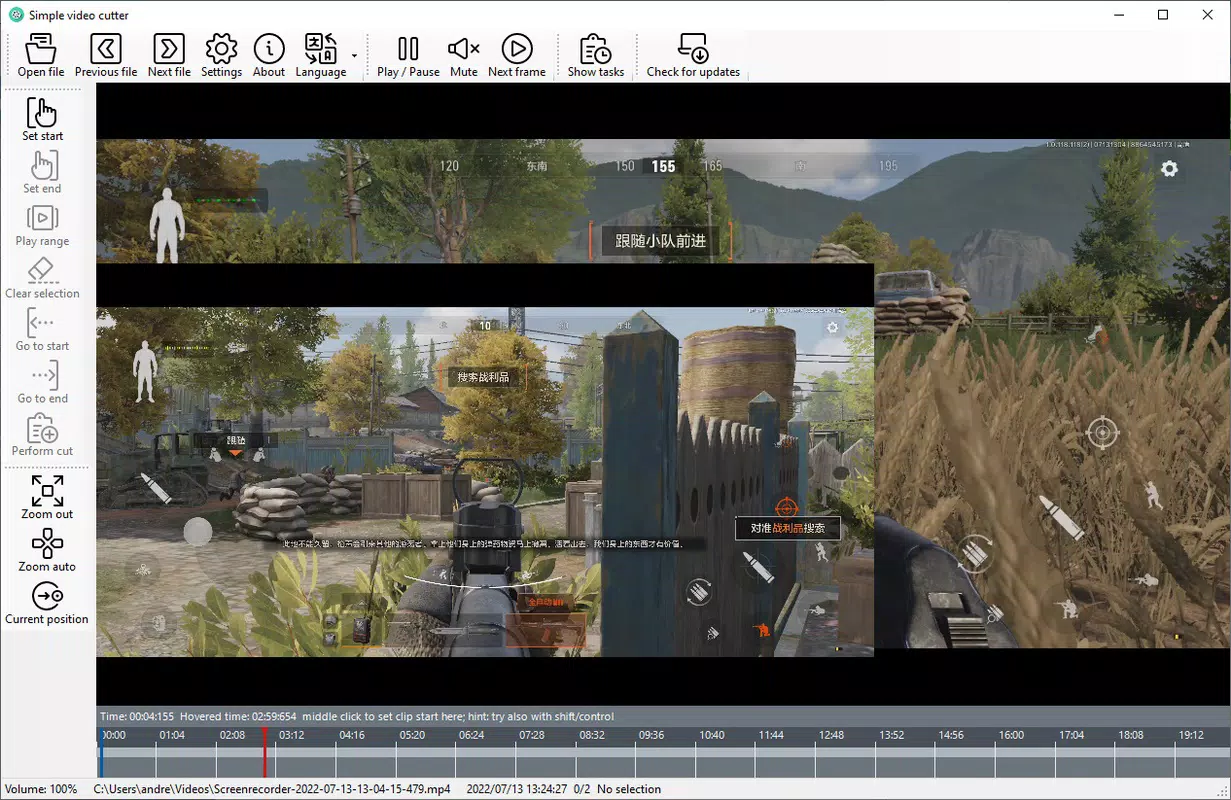
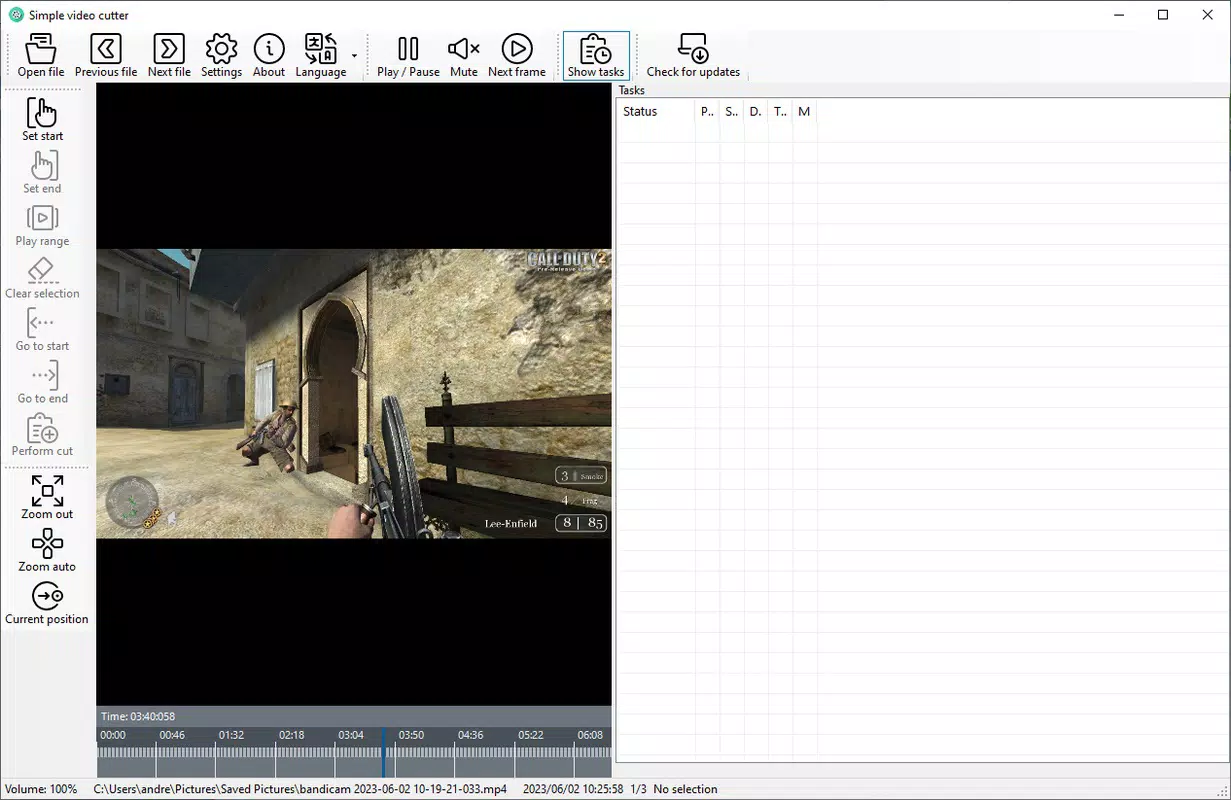
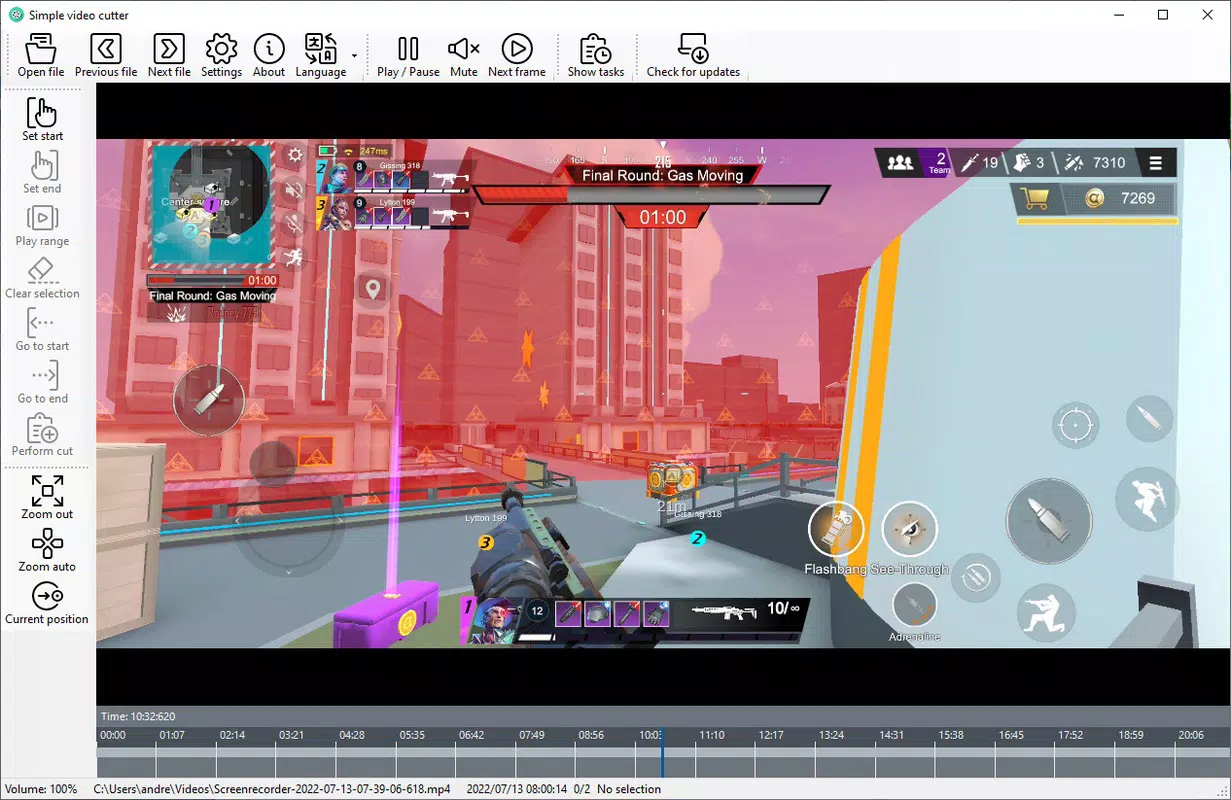
- Intuitive User Interface: The app features a clean, straightforward layout that allows users to navigate between video files, pause playback, and mute audio with minimal effort. The interface is optimized for touch, ensuring that all controls are accessible and responsive.
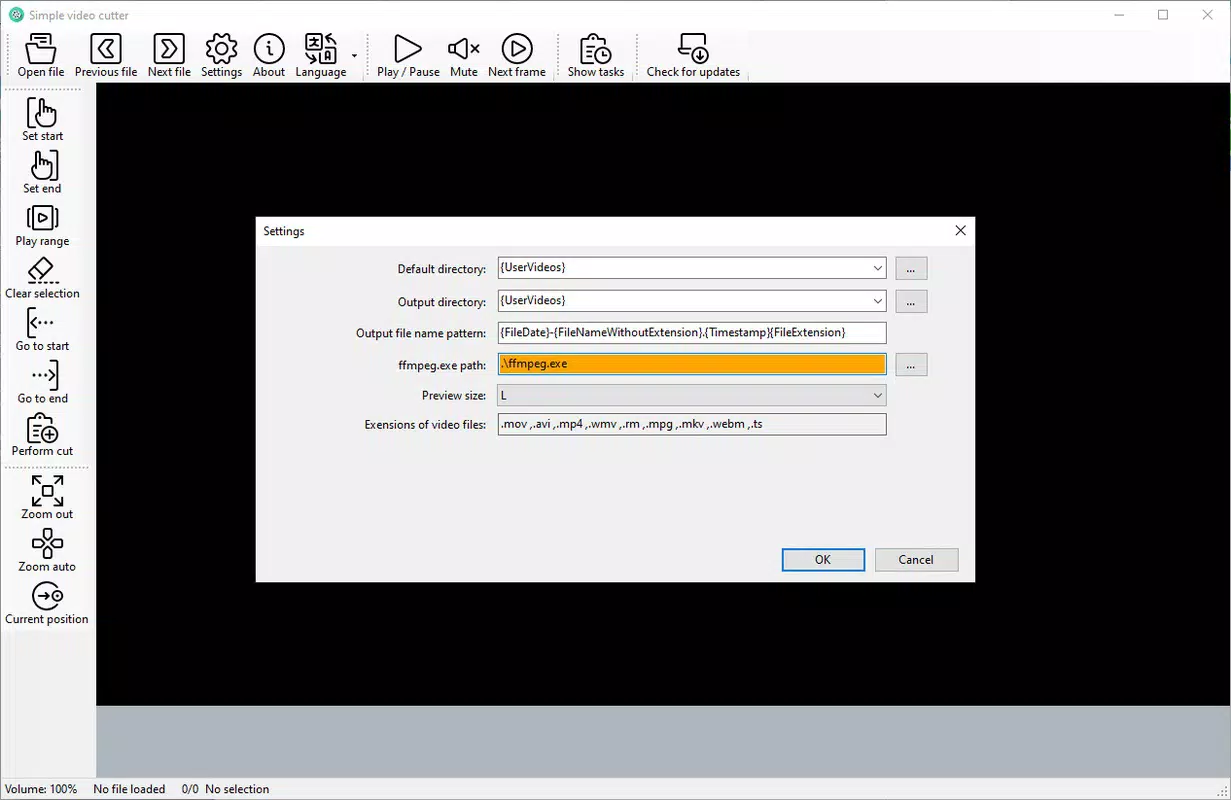
- Customizable Clip Organization: Users can designate a default folder for saved clips, helping maintain a structured workflow. The ability to rename exported clips ensures better project management, especially when handling multiple edits.
- Flexible File Format Support: The app supports multiple output formats, allowing users to export clips in the most compatible format for their intended platform or device.
- Efficient Resource Management: Simple Video Cutter is optimized to use minimal system resources, ensuring smooth operation even on mid-tier devices. This efficiency enables uninterrupted editing without performance lag.
- Quick Clip Cutting: With direct access to start and end points, users can trim videos rapidly. The intuitive controls allow for precise adjustments, making it easy to extract exact segments in just a few taps.
For example, a user preparing a TikTok video can open a long recording, select the desired segment using the timeline, and export it within minutes. Similarly, a student editing a lecture recording can isolate key sections without needing advanced editing software.
Interface, UX & Performance
The app’s interface is designed with usability at its core, featuring a minimalistic layout that prioritizes essential tools. Navigation is straightforward, with all key functions—such as file selection, playback control, and export—easily accessible from the main screen. The visual style is clean and modern, using intuitive icons and consistent color coding to guide users through each step.
Touch responsiveness is strong across various device categories, with controls reacting instantly to user input. Although the developer did not list formal performance metrics, the app operates smoothly without noticeable lag during basic editing tasks. Stability is maintained during repeated use, and crashes were not reported in the provided information. The app maintains consistent performance even when processing longer video files, thanks to its optimized backend.
Platform Compatibility & Technical Requirements
Simple Video Cutter is available on Android and iOS platforms. The app supports the latest versions of both operating systems, though specific minimum OS requirements were not listed. The file size is approximately 25 MB, making it lightweight and suitable for devices with limited storage. Users can download and install the app directly from official app stores, ensuring a secure and verified experience.
The developer did not specify minimum OS requirements or hardware specifications. However, the app’s small footprint and low resource consumption suggest broad compatibility across a wide range of smartphones and tablets.
Pros and Cons
Pros
- Lightweight and fast-loading interface
- Simple, intuitive navigation for all skill levels
- Efficient use of system resources
- Supports multiple output formats
- Quick and accurate video trimming
Cons
- Advanced editing features not available
- Specific technical requirements were not disclosed
- Limited customization options for export settings
- No built-in video preview during editing
- Compatibility information was not fully disclosed
FAQ
Is Simple Video Cutter free to download?
The app is available for download, but pricing details were not provided in the input. Users should check official app stores for current pricing and availability.
Can I use Simple Video Cutter on both Android and iOS?
Yes, the app is designed for both Android and iOS platforms. Specific version compatibility was not listed.
Does the app require internet access to function?
While the app may use internet connectivity for updates or optional features, the core video cutting functionality operates offline.
How large is the app file size?
The app has a file size of approximately 25 MB, making it suitable for devices with limited storage.
Is the app safe to install?
Simple Video Cutter can be downloaded securely from official app stores. Users are advised to avoid third-party sources to ensure the integrity of the installation.
Final Thoughts
Simple Video Cutter delivers a focused, reliable solution for users who need to trim video clips quickly and efficiently. Its minimal design, low resource usage, and straightforward workflow make it ideal for everyday users and casual content creators. While it lacks advanced editing tools, its strength lies in simplicity and speed. For anyone looking to extract short clips from longer videos without complexity, this app offers a practical and accessible tool.
Download Simple Video Cutter now


